First callsGet caller name, callback number and the person's location, then contact the director at once.
Funeral Call Answering Service for Your Home
Our funeral call answering service takes first-call details, answers from your supplied information and passes messages to your team when calls forward to it. Hear its approach to families in the browser demo, then request a free trial.
Hear how it handles a first call
Get startedFree trial: 14 days, up to 100 minutes (on request)
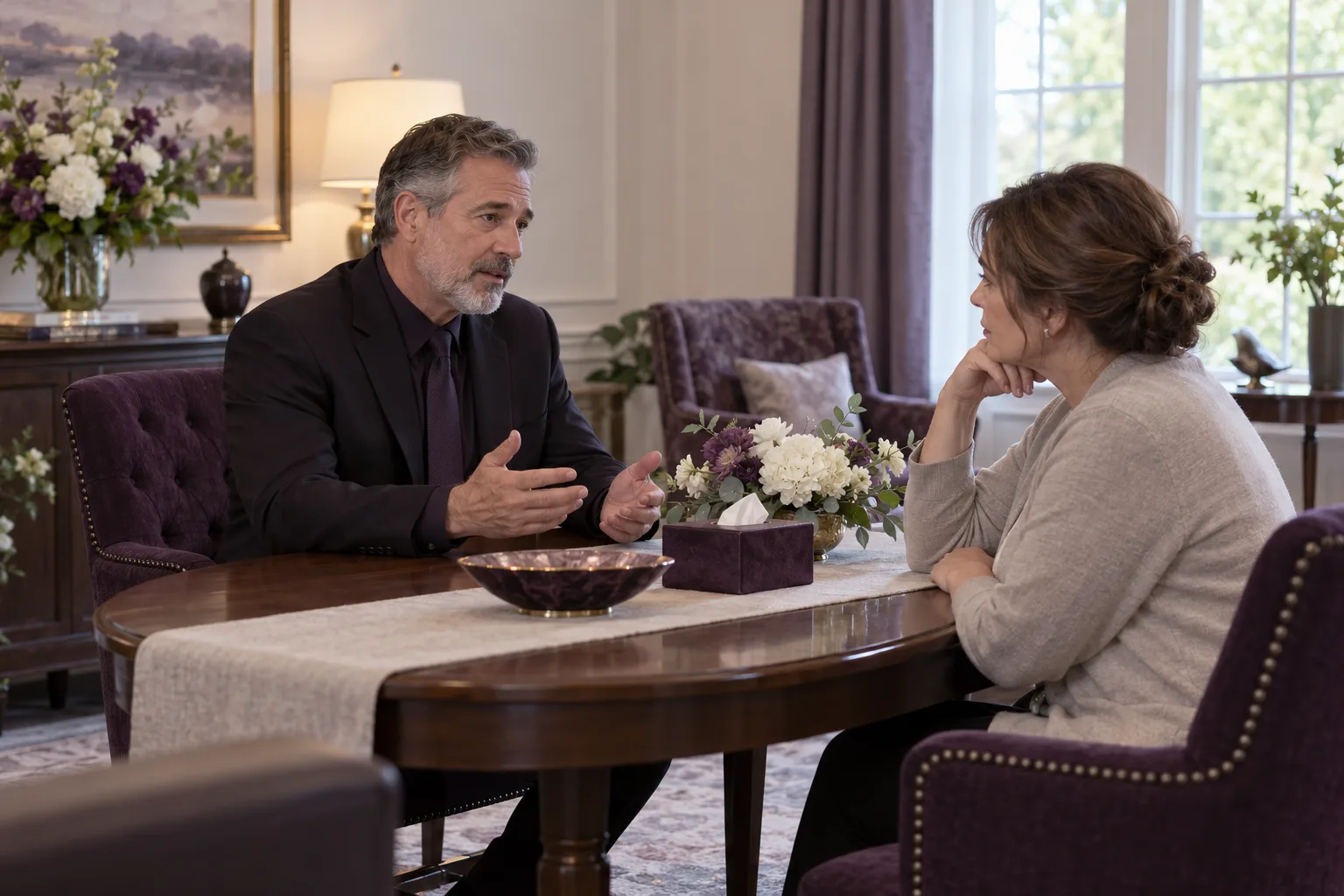
Handle First Calls, Arrangement Questions and Messages
Your receptionist distinguishes a report of a death from an arrangement question or routine message. Any death report prompts caller name, callback number and the person's location, then immediate on-call director contact before further intake.
Arrangement questionsAnswer from your supplied services, hours and other business information.
Director messagesRecord who called, their question and details for a callback.
Read more
A family reporting a death needs a different response from someone checking an office hour. For any death report, including removal requests from families, hospice, hospitals or care facilities, your receptionist takes caller name, callback number and where the person is, then reaches the on-call director at once: warm transfer if routing allows, a page otherwise or if unanswered. Only then does it finish intake, without an upsell. Your instructions set contact order, backups and extra questions.
For an arrangement question, it uses the information you provided about your home. For a message, it collects the reason for calling and callback details for your team. You receive the summary and urgency tag by email and app push notification. Review how first-call intake works when setting your instructions.
Speak With Families Calmly and Clearly
Your receptionist uses a calm, respectful and unhurried tone with families, identifies itself as a virtual assistant and announces the recording before asking intake questions.
Read more
The conversation begins with a clear introduction and recording notice, then moves to the reason for calling. For any death report, including removal requests, it takes caller name, callback number and the person's location, then reaches the on-call director at once: warm transfer if routing allows, a page otherwise or if unanswered. Your extra intake questions follow director contact. A first call stays focused on the family or professional caller and reaching the on-call director, with no upselling.
An AI receptionist cannot provide the personal judgment of your director. It can collect the information for that conversation, answer questions covered by your business details and pass on the message. In the browser call demo, choose a fictional death-at-home scenario and listen to the questions and tone yourself. Use invented details when trying it.
Answer Price Questions From Your General Price List
Your receptionist answers price questions using the General Price List you provide, without inventing amounts. The FTC Funeral Rule requires accurate price information for people asking by phone.
Your supplied listPrice answers come from the General Price List you provide.
No invented amountsQuestions beyond your supplied information become messages for your team.
Reviewable answersRead the transcript or listen to the recording of price conversations.
Read more
We use the General Price List you provide for price answers, so your receptionist has a defined source for those conversations. Tell the AI your price policy during onboarding and update its information when your list changes. A question requiring information you have not supplied is recorded for your team to address.
The FTC's phone disclosure guidance requires funeral providers to give accurate information about offerings and prices from their lists and other readily available information that reasonably answers the question. Using the receptionist leaves responsibility for that information with your home. Review transcripts for accuracy and keep the supplied list current. See price-list call handling for the setup details.
Take Pre-Need Questions and Appointment Requests
Your receptionist takes pre-need planning inquiries, answers from your service information and can book an appointment into Google Calendar or collect details for your callback.
Read more
A pre-need caller may want to understand your services before choosing a time to speak with a director. Your receptionist can answer from your supplied business information and take the caller's questions for that discussion. You decide whether appointment requests become Google Calendar bookings or messages for a callback.
For example, someone might ask about the services your home offers and request a planning appointment. The call summary gives your team the reason for that request, while the transcript holds the conversation for review. Your director handles the planning advice and decisions. Add the services you offer, the limits of those services and your preferred appointment approach during onboarding.
Give Directors the Message and Its Urgency
Your instructions determine who gets urgent calls and in what order, while email and app push alerts give your team the message, urgency tag and call record.
On-call orderSet the people and sequence used when urgent calls need attention.
Warm transfersThe recipient hears a summary and presses 1 to accept.
Complete recordsReview the summary, transcript and recording before returning a message.
Read more
Tell the AI who is on call and how urgent calls should reach them. Any death report, including removal requests, starts with caller name, callback number and the person's location, then director contact at once, before further intake: warm transfer if routing allows, a page otherwise or if unanswered. With warm transfer routing, the recipient hears a short summary before pressing 1 to take the caller. Update your contacts when on-call arrangements change.
Routine messages still reach you through email and app push notification, with the urgency tag and call details. A caller asking for a particular director can leave their request for your team to review. Your dashboard holds the transcript and recording, and the daily digest gives you another way to review activity. Keep a backup way to be reached and check summaries for mistakes.
Choose Full, Overflow or After-Hours Coverage
You choose when funeral home call answering moves to your receptionist: forward all calls, unanswered calls, busy-line calls or after-hours calls to the local number we provide.
Read more
Your coverage choice can reflect how your staff already works. During office hours, you might keep your team answering first and forward only unanswered or busy calls. Outside those hours, your receptionist can take details and use your urgent contact instructions. Full forwarding is available when you want it to answer incoming business calls throughout the day.
We provide the local number and forwarding guidance for your carrier or phone system. Make a test call before going live to check the path a family will take. For the forwarding and testing steps, review the setup page. Coverage begins once your calls forward to the receptionist.
FAQ
Will it handle a first call with care?
It uses a calm tone. Any death report, including removal requests, starts with caller name, callback number and the person's location, then on-call director contact at once, before further intake: warm transfer if routing allows, a page otherwise or if unanswered. There is no upselling on first calls. Test a fictional first-call scenario in the demo, then check your own instructions and urgent routing during setup.
Will it give families prices over the phone?
Yes, using the General Price List your home provides. It does not invent an amount when the information is missing. Your team remains responsible for accurate supplied prices and for handling questions that need a director. Use the transcript and recording to review how price questions were answered.
How fast does a first call reach the director?
Any death report starts with caller name, callback number and the person's location, then on-call director contact at once, before further intake: warm transfer if routing allows, a page otherwise or if unanswered. You set contact order and backups during onboarding. Warm transfers include a short summary before the recipient accepts. Your director's availability determines when they can respond to the caller.
Can it take a pre-need planning inquiry?
Yes. It answers using your service information, collects the caller's planning questions and takes contact details for your team. You can choose appointment booking into Google Calendar or callback messages. The director then handles the planning conversation with the call summary and transcript available to review.
Does it answer in Spanish?
Yes. Your receptionist speaks English and Spanish, and a caller can change languages during the conversation. It uses the same supplied business knowledge and call-handling instructions. Try a Spanish question in the browser demo to hear the response before setting up your home's own call information.
Can it cover calls while staff are helping a family?
Yes, when your number is set to forward unanswered or busy calls to the receptionist. Staff can continue answering calls that reach them first. You can also choose after-hours or full forwarding, then test your carrier or phone system's settings before making that coverage live.
Are calls recorded, and who uses the information?
Calls are recorded, and the greeting announces this alongside the virtual assistant disclosure. Your business decides what caller information is collected and why; we process it on your behalf. We do not sell personal information or use callers' data for our own marketing. You can review recordings and transcripts in your dashboard.
Hear How It Handles a Family's Call
Try a fictional first call, price question or director message in the browser demo. Request a free trial to provide your own instructions and test the call route.
References: ftc.gov